Maintenance Deep Dive
What goes wrong behind the scenes when websites stay unmaintained
A newly launched website feels fast and effortless during month one. Over the next twelve to eighteen months, however, the open web shifts underneath it: PHP versions retire, WordPress releases security patches, Chrome changes rendering rules, third-party payment plugins update API endpoints, and hosting servers quietly accumulate gigabytes of spam comments, transient cache rows, and error logs.
1. Silent Lead-Loss & Form Breakage
Perhaps the single costliest failure we uncover during website health audits in Lucknow is a broken contact or appointment form. A business spends tens of thousands of rupees on Google Ads or local SEO, yet a minor SMTP authentication change or reCAPTCHA token mismatch causes submissions to silently vanish or land in spam for weeks. Every GoPixel AMC plan tests live enquiry forms, booking hooks, WhatsApp triggers, and click-to-call buttons monthly so paid and organic traffic converts reliably.
2. Plugin Debt & Automated Bot Attacks
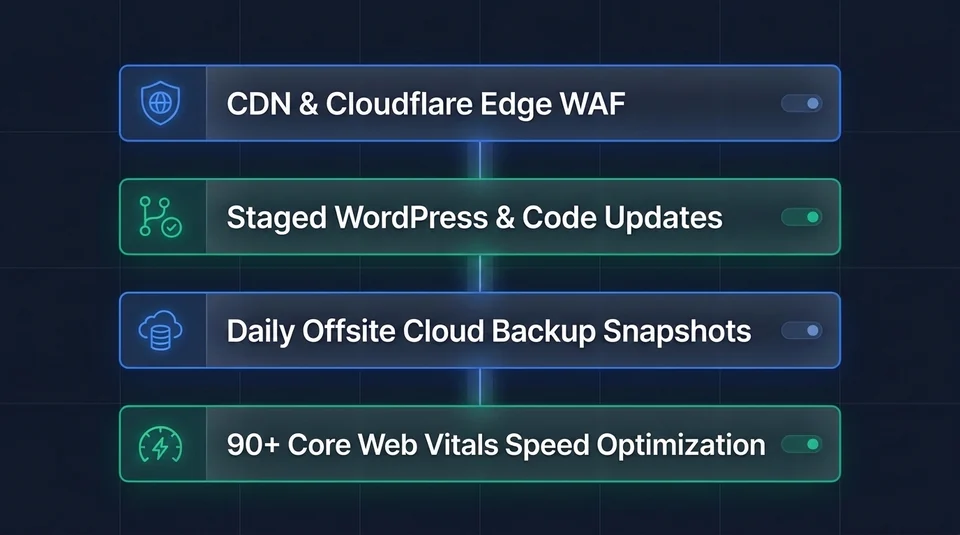
Automated scanners crawl WordPress and PHP installations across the internet every minute searching for outdated form builders, file uploaders, page sliders, and unpatched theme utilities. Even small local brochure websites become prime targets because attackers use compromised domains to inject hidden pharma links, phishing folders, or redirect scripts that trigger browser "Deceptive Site Ahead" warnings and wipe out years of Google rankings. Proactive patching, login hardening, disabled XML-RPC endpoints, and Cloudflare edge WAF rules block the vast majority of automated attacks before they touch your origin host.
3. Database Bloat & Core Web Vitals Decay
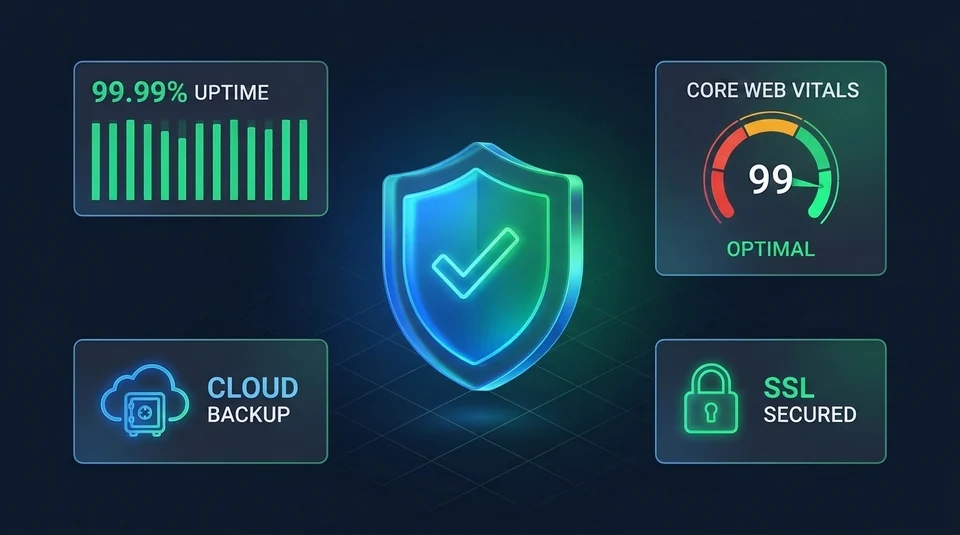
Every blog draft, image upload, WooCommerce cart session, and marketing plugin leaves behind database rows inside `wp_options` and post-revision tables. Without periodic cleanup and indexing, server response times (TTFB) gradually creep past acceptable limits, hurting Google Core Web Vitals signals on mobile 4G connections. During monthly Business Growth Care and Enterprise VIP cycles, we prune orphan transients, optimize image weights into WebP, audit JavaScript execution, and verify caching headers so pages stay responsive long after launch day.
4. Protecting Ownership Against Vendor Lock-In
One critical rule sets GoPixel apart across Uttar Pradesh: we insist that every client owns their domain registrar account (GoDaddy, Namecheap, Cloudflare, BigRock) and web hosting billing directly under their company email. Before any AMC starts, we document DNS records, off-site cloud backup paths, and admin credentials transparently so you maintain full strategic control of your digital property forever.
Real Maintenance Scenarios We Solve Weekly
01
Scenario: "White Screen of Death" After an Auto-Updated Plugin
Situation: A growing e-commerce store enabled unattended automatic updates on WordPress; a theme framework clash crashed both product pages and Razorpay checkout mid-weekend.
Resolution: Restored the database and plugin directory cleanly from our pre-update off-site snapshot, isolated the incompatible extension on staging, applied a compatible patch, and switched updates onto a staged manual release cycle.
Prevented Loss: Zero lost weekend order revenue and restored checkout confidence within minutes.
02
Scenario: AI-Generated or Bloated Site Ranking Drop
Situation: A business launched an inexpensive site loaded with oversized uncached PNG images and dozens of overlapping scripts, pushing mobile load times above seven seconds.
Resolution: Audited bottlenecks via PageSpeed telemetry, converted assets to sized WebP, cleaned render-blocking CSS/JS, enabled Cloudflare edge caching, and resolved Search Console canonical/sitemap issues.
Result: Crisp mobile loading and healthy technical indexability verified across desktop and smartphone browsers.
Monthly Preventive Website Maintenance Checklist
1
Verify Off-Site Backup Restorability
Confirm daily or weekly cloud archives cover both database SQL dumps and `wp-content/uploads` media outside the main server.
2
Audit Users & Admin Sessions
Remove departed staff/freelancer logins immediately, enforce strong passwords, and keep 2FA active across hosting and CMS dashboards.
3
Monitor Search Console & 404 Logs
Catch broken internal links, unintentional `noindex` meta headers, SSL certificate alerts, and redirect chains before rankings slip.
4
Test Critical Checkout & Lead Flows
Run end-to-end test submissions on contact forms, appointment bookings, payment gateways, and transactional confirmation emails.
FAQ
Frequently asked questions about website maintenance
How much do website maintenance AMC packages cost at GoPixel?
Our Starter Care plan is ₹999 per month (or ₹7,999 billed annually), Business Growth Care is ₹2,499 per month (or ₹19,999 billed annually), and Enterprise VIP AMC is ₹5,999 per month (or ₹49,999 billed annually), excluding applicable GST.
Do I keep full ownership of my domain and web hosting account?
Yes, always. Your domain registrar and hosting logins remain strictly under your company name and email. We work via collaborator or technical admin permissions so you never face vendor lock-in.
Do you test WordPress plugin and theme updates safely before pushing live?
Yes. Especially on active WooCommerce stores and Business/VIP plans, we take a fresh snapshot backup first and test updates cleanly on staging before touching production pages.
Can you maintain a website that was originally built by another developer or agency?
Yes. We regularly onboard existing WordPress, WooCommerce, static HTML, and Next.js/Node.js websites built elsewhere. Every onboarding starts with an audit of plugins, SSL, DNS, and security gaps.
What happens if my website is currently hacked, showing spam links, or offline?
Our team performs emergency malware cleanup, removes rogue admin users or injected cron scripts, rotates credentials, restores clean core files, hardens login and WAF rules, and gets your domain delisted before placing it under ongoing AMC.
Is Core Web Vitals speed optimization included?
Yes. Business Growth Care and Enterprise VIP AMC include recurring Core Web Vitals audits, database cleanup, WebP image compression, caching tuning, and render-blocking script optimization.
Are content edits, banner swaps, and new landing sections covered?
Yes. Starter Care covers 1 hour of minor edits per month, Business Growth Care includes 5 hours per month, and Enterprise VIP AMC provides 15 hours of active development work per month.
Do you maintain cloud VPS servers alongside websites?
Yes. Alongside website AMC care, GoPixel handles Linux/Nginx VPS provisioning, firewall hardening, Fail2Ban, SSL renewals, Redis caching, and Cloudflare Zero-Trust/WAF configuration.
Related Services & Guides
Keep your site resilient, fast, and discoverable
WD
Need a fresh build or clean static/Next.js migration away from bloated legacy themes?
EC
Checkout stability, Razorpay webhook health, and fast product pages for online stores.
⚡
Database indexing, CI/CD pipelines, and application reliability for growing startups.
📖
Learn the practical Core Web Vitals steps we apply during monthly AMC speed audits.
📖
Troubleshoot broken contact forms, silent DNS errors, and indexing regressions fast.
🧰
Inspect meta tags, JSON-LD schema, and page structure instantaneously right in your browser.